Saving Millright Inch toolpath

I just purchased my subscription to Maker and am really liking the UI and how easy it is to build models. However, I appear to either be missing something when saving toolpaths or something is wrong with the Millright machine format.
When I save the .nc file and open it in bCNC (Rasberry Pi) everything appears "correct". However, when I run the program, the actual milling done could fit on a pinky fingernail and is about 1/128" deep. I've also tried to use a basic GRBL text file and have similar results. I did not have this issue with bCNC when I exported GRBL files from Easle so I am thinking I'm not doing something right within Maker.
Attached are some screenshots of my Maker model and the UI of what it looks like in bCNC.
Thanks in advance for any help that you can provide.
--ron
 As you can see, my model is set up to be 4" x 6" x 3/4" inch.
 Selecting my .nc file that was saved used Maker's Millright Inch format.
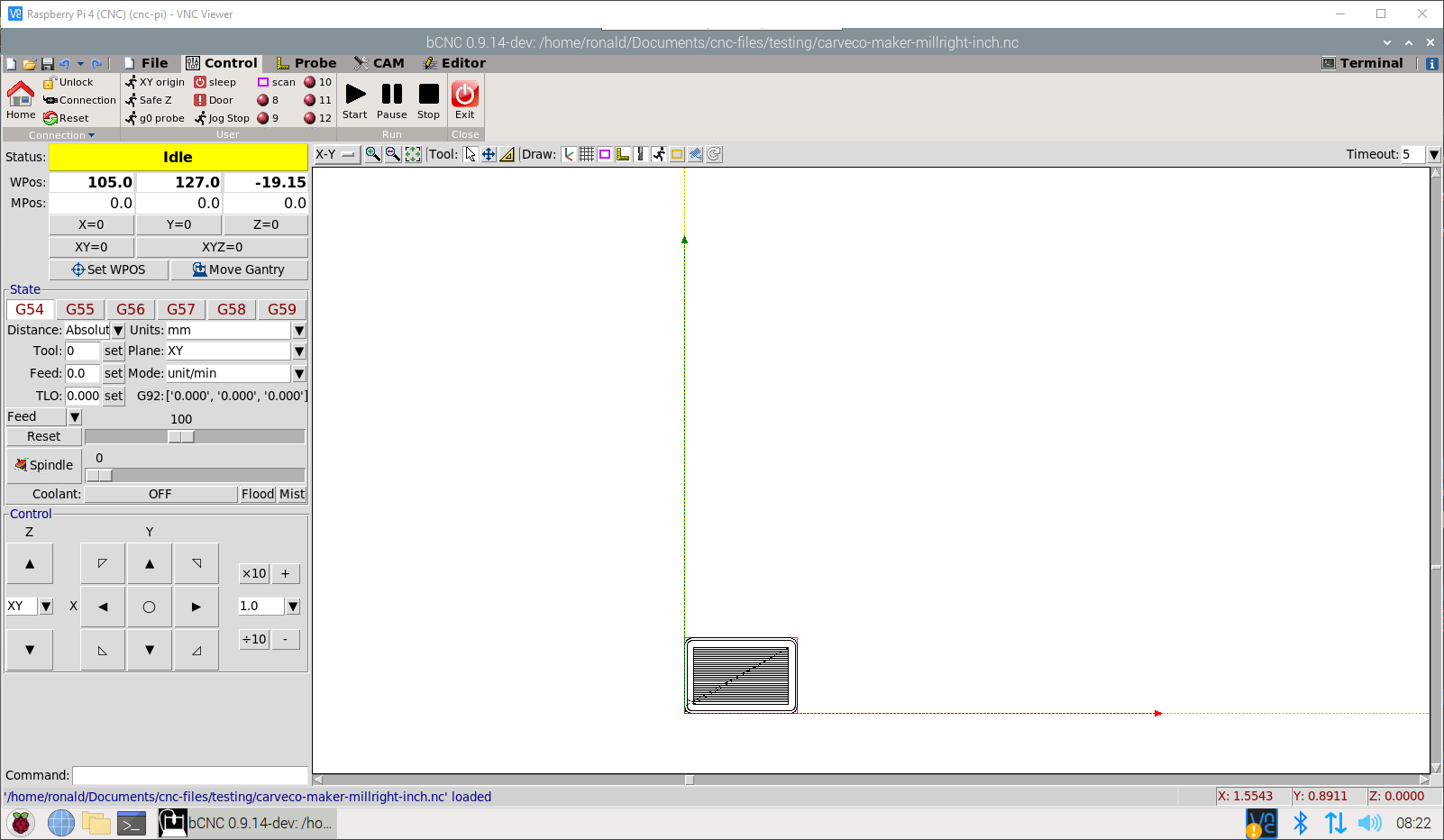 Zoomed in once the .nc file has been loaded. Toolpaths seem correct until ....
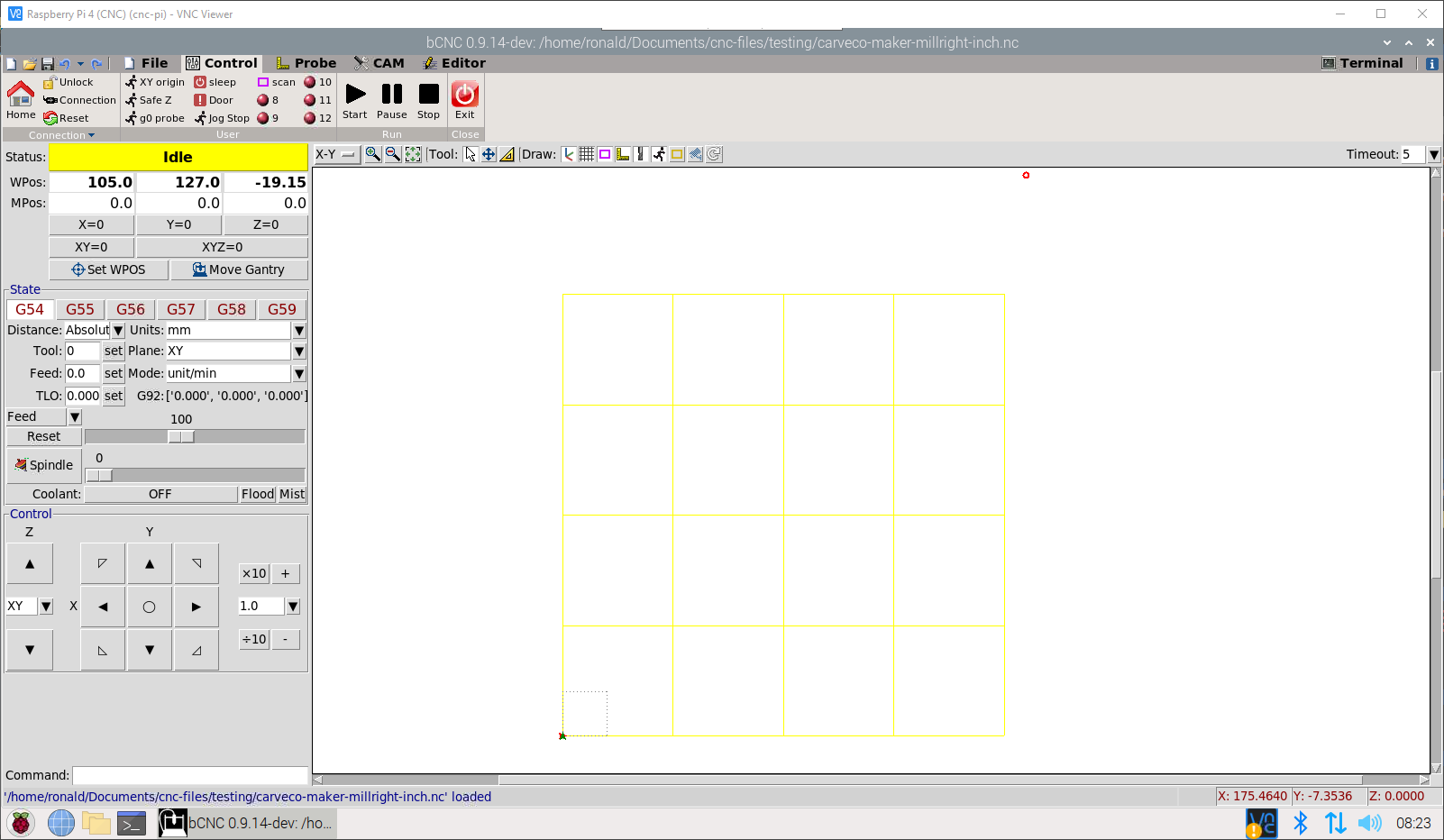 Here you can see the actual size of what is going to be milled.
Comments
Ron,
I save my toolpaths to a folder then transfer it (or them) to a jump drive then bring it (or them) to my router out in my shop.
mike
Thanks, Mike, but I don't think that is the issue. I have a NAS set up that is accessible to both my Windows PC and my Pi .... I specifically set it up this way so I don't have to use a USB stick to transfer files.
Ron,
For me it's easier for me to do what I do, what you are doing (for me is fraught with problems, or a possible problem) The jump drive has been a great help for 20 years.
i know that carveco saves the toolpaths in a directory itself, but I don't want to search for it to run something I might regret or might forget where the stuff is at, and I can not afford that, I have too many forks in the fire and can't have to many burning at the stake
mike
Please sign in to leave a comment.