Answered
export as an stl file

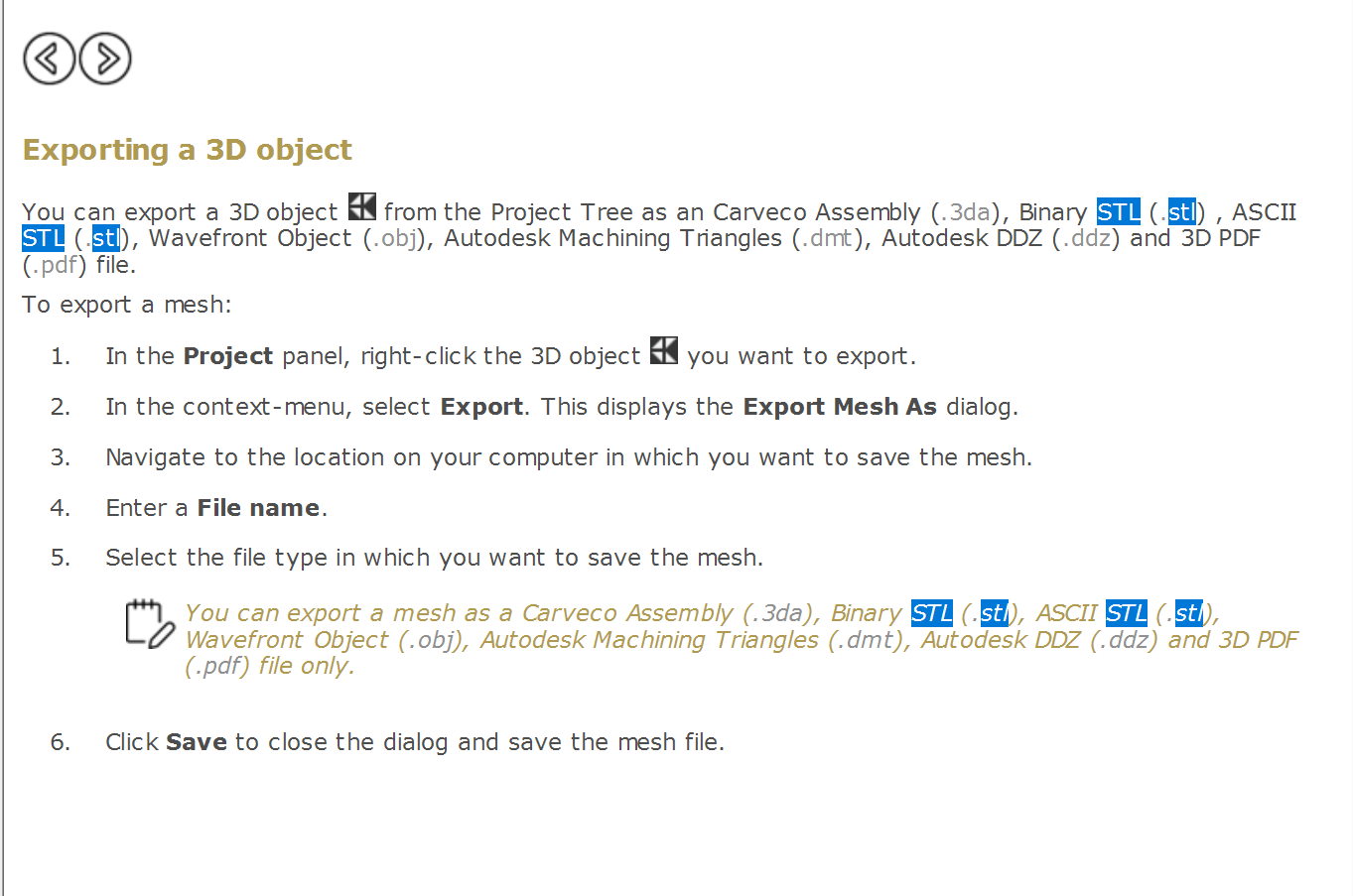
Hi how do i export a file as an stl file for 3d printing, below is an image of the help file but i cant see the 3d object or the icon that is displayed below which is a black square with for white triangles in?
i also found this video:
https://www.youtube.com/watch?v=n-dvS6q6dhM
but in my carvco there is no export section in the "create triangle mesh" window?
Comments
You know I was going to be real naughty, then I had to reread your request Adrian, I was going to point out how to draw in artcam, carveco the leg then use the turn tool, sure am glad I reread your request. I was going to show my backside real good, show that I was a horses aaaaaa. It has bothered me so much that people think and act as though that there isn't enough tools in this one program to do it all. I have given up rhino, modo, and others because I can do all I need in one program.
I imported a photo of a table leg drew the vectors made them beautiful (about 10 min of work) used the turn tool, made a triangle mesh then I saved it as a stl, that info is in the "save as" area. once you hit save you will get a window, down at the bottom you'll get the "save as". . by the way you want that leg??
mike
https://www.screencast.com/t/aMSxLMdMHPdr
I am so sorry, you needed a video, and I was in the outer limits so here's the video.
hope it helps, if you have questions ask.
mike
Hi mike
thankyou for your help. the table leg was just in a video i found i was using it to show that it had the save button in the export section where as in my carveco there was no save button.
however i was missing a bit, i needed to press the create mesh button then once the mesh was created the export section shows and i can access the save button..
basically i was looking but not far enough 8-)
thankyou for your help.
Cool, you're welcome, I remember when I first started, I was totally ignorant, but with the videos Delcam used to put out and the forum I learned. I still remember the lost in space experience so guess that means I will try to help.
enjoy
mike
Please sign in to leave a comment.