Answered
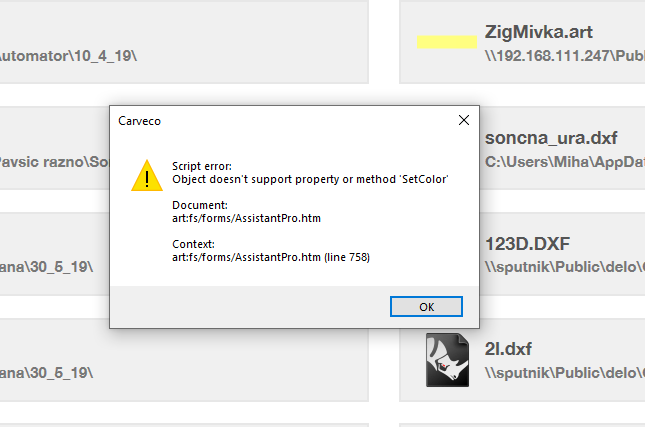
Script error

Always when I start the Carveco I get the Script Error window.
Any solution?
Regards Miha
Comments
A script error in Carveco referencing SetColor, as shown in your supplied screenshot, is resolved by reinstalling the software on your computer. When doing so, please right-click the Carveco-1.4.exe file, then select the Run as administrator context menu option.
This problem also occurs if you install as 'User A' then log on to windows with 'User B' to use the software. You have to install it on the user you intend to use the application on.
I don't think this happens if you install it as administrator AND tell it to install for all users.
it was fixed, like support said, I know because I was the problem child who reported it and with the fix1.4 I no longer have had the issue.
JUST SAYING 1.4 fix it.
mike
Please sign in to leave a comment.