2 sided 3D carve tutorial

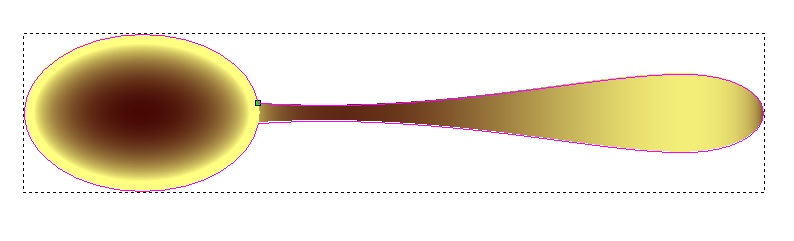
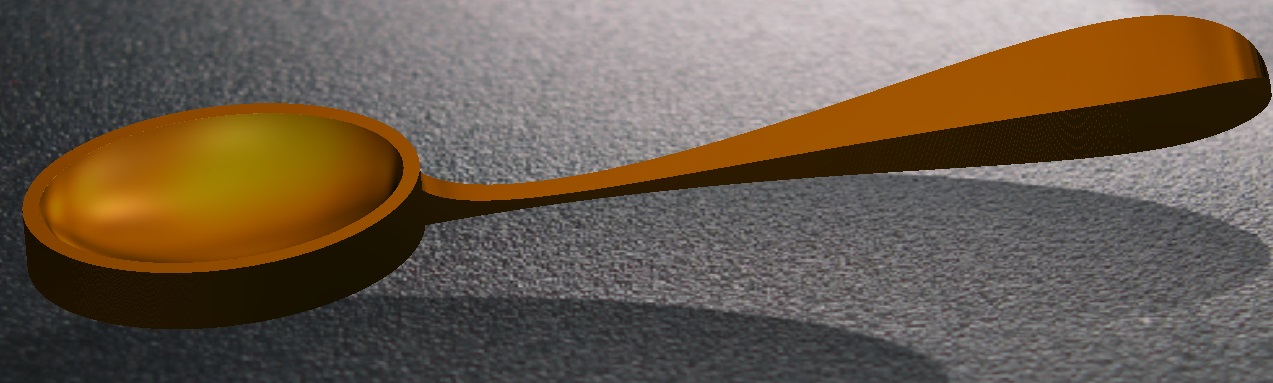
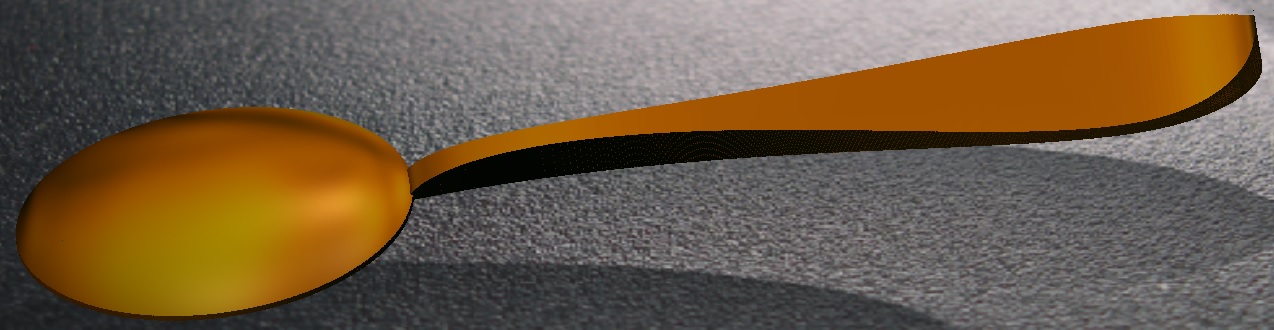
I am looking for a tutorial for 2 sided 3D carving setup in Carveco. So far I have only been able to find them for other software. I would like to import a large spoon design (.stl) and carve each side. I understand the machine aspects, but have not figured out how to import it to Carveco. Every thing I have tried imbeds it into a sheet of material (wood) and I have a flat back.
Do I need to cut the .stl in half and create 2 different cut programs?
any direction/tutorial/help would be greatly apricated as I am trying to move past the 2D and basic relief carving.
Thank you!!!
Comments
Importation considerations is indexing, you will indeed need at least 4 on the material where you clamp your soon to be spoon, on 90 deg's from each and centered on your material you will need 4 centered in a + sign way, 2 on the ends and 2 90 deg centered on the sides .
In starting carveco set material to center then center one 1/4 inch circle, copy then move it to the rt so 1/2 of the circle is off material, rt click and paste another circle move that one to the left do this work using the keyboard arrows next group the two circles, next past another circle in the center move it to the top of your material so 1/2 is over intended material, rt click and paste another circle in the center again then move that last one to the bottom of your material so it over hangs by 1/2 group these two. Now set a 1/4 inch endmill in and bore the holes (I'm missing something here but I think you can figure it out.)
Now in setting up your Router you will need 2 clamping points that are 90 deg from one another, you will nee to drill two holes in those, get yourself a 1/4 inch dowel cut 2 sections to use as index points.
Your router is now setup to mill 2 sides.
I have some work that needs to be done when I have some more free time I'll try to jabber some more but I think I've concluded, if not I'll try to finish later.ask questions if something is convoluted.
mike

Please sign in to leave a comment.