Answered
Adding text to a curved surface in Z height to follow curve

Hi I am currently trying to curve my text item in the Z direction. I have the toolpath but it is level carving and I want to raise the text in the middle, so it follows a curve and has equal depth of carve across the curve. Think adding text to a curved 3D banner.
Thanks
Comments
I forgot to add the photo, sorry about that.
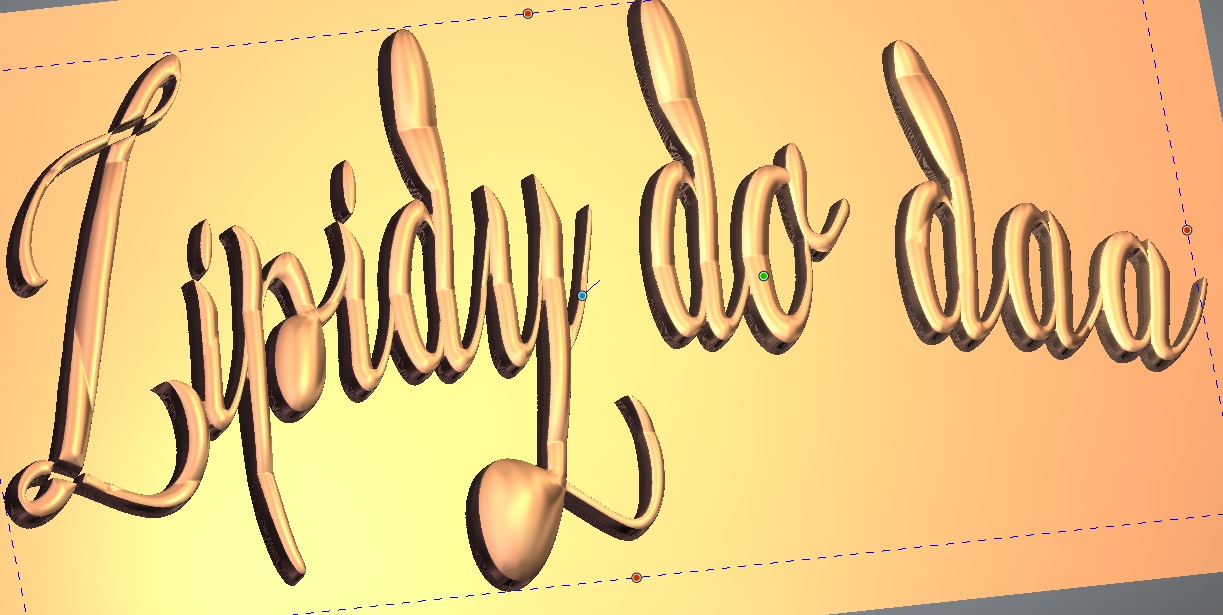
Sorry trying to raise it in Z height not Y direction as you have drawn. Like trying to carve an even text engraving depth on a ball
Ok just for your info I haven't got carveco installed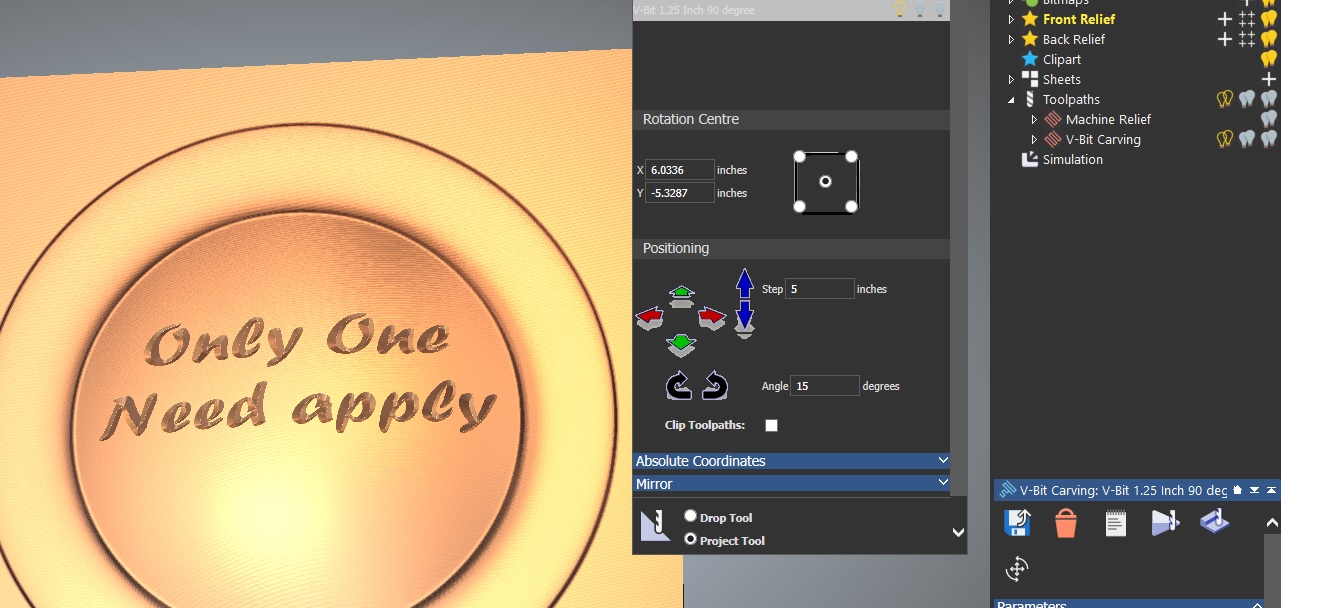 on my pc (I'm waiting till I get a newer one then I'll be installing it on that) this pic is of artcam 2018). What you'll want to do is get all of your toolpaths made then go to the one you want to do the raised or depressed lettering on your spherical object highlight it then run a transformed toolpath (hopefully the name hasn't been change, you will want to project your bit (tool) onto the surface or relief.
mike
Thank You very much that was the answer. Worked easy once you showed me
Thanks again
Cool, glad to be of assistance.
Have a good one.
mike
Please sign in to leave a comment.