Relief badly creating paths

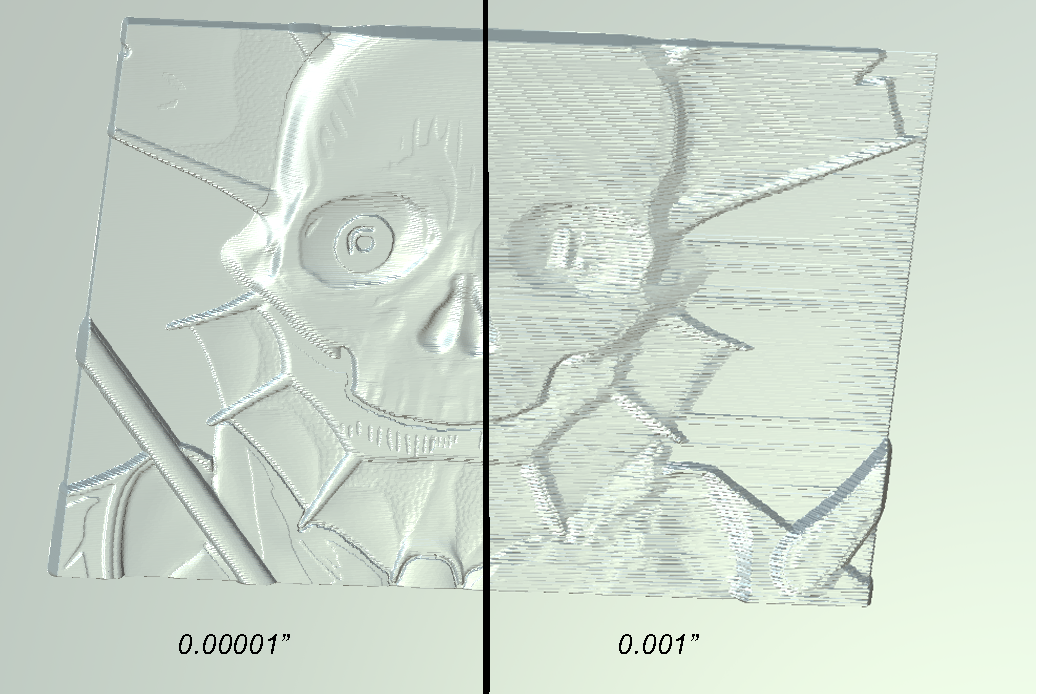
I'm having a problem with the relief function badly creating paths for me. Two examples. I have no idea what's going on. So far we have used artcam 2011 and we have the same problem in carveco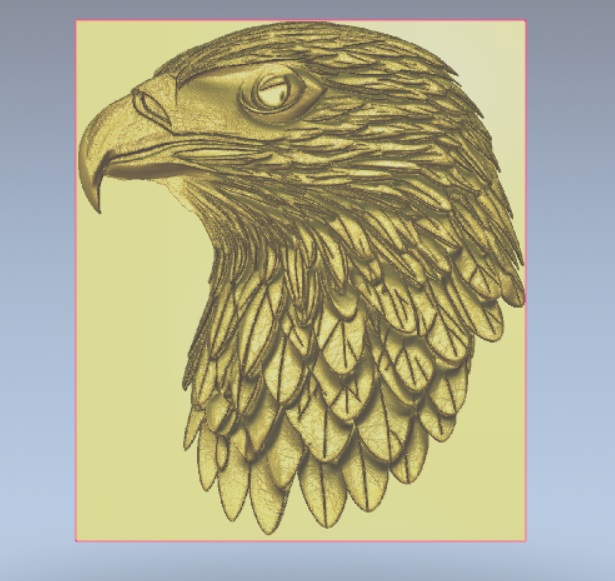
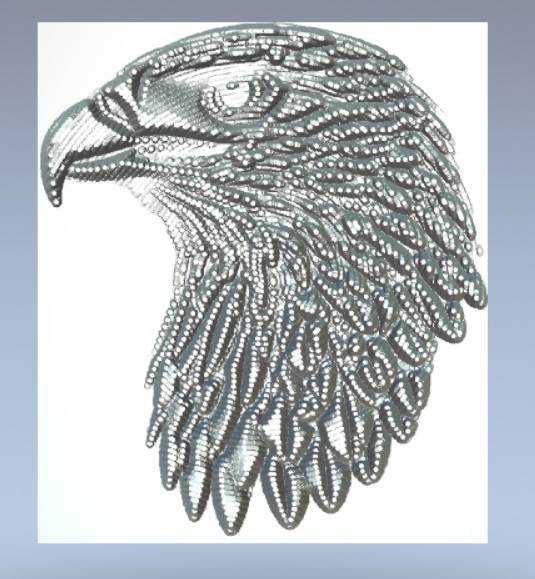
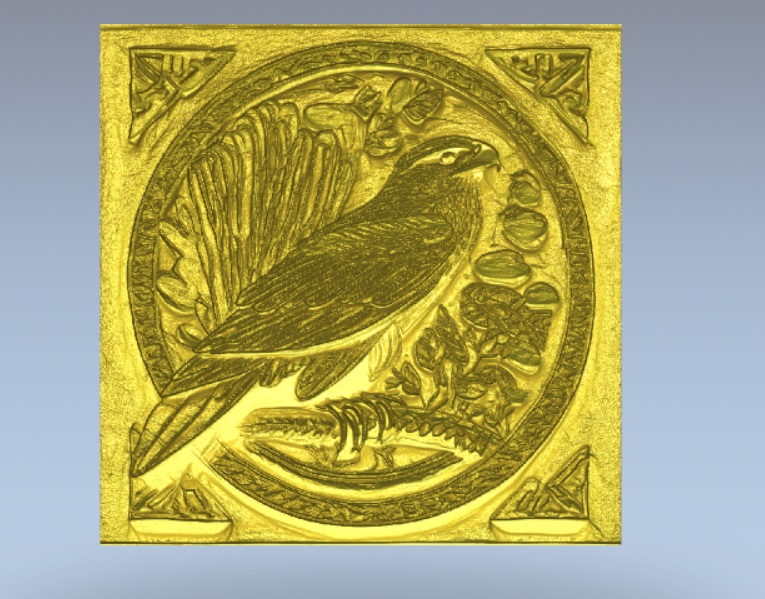
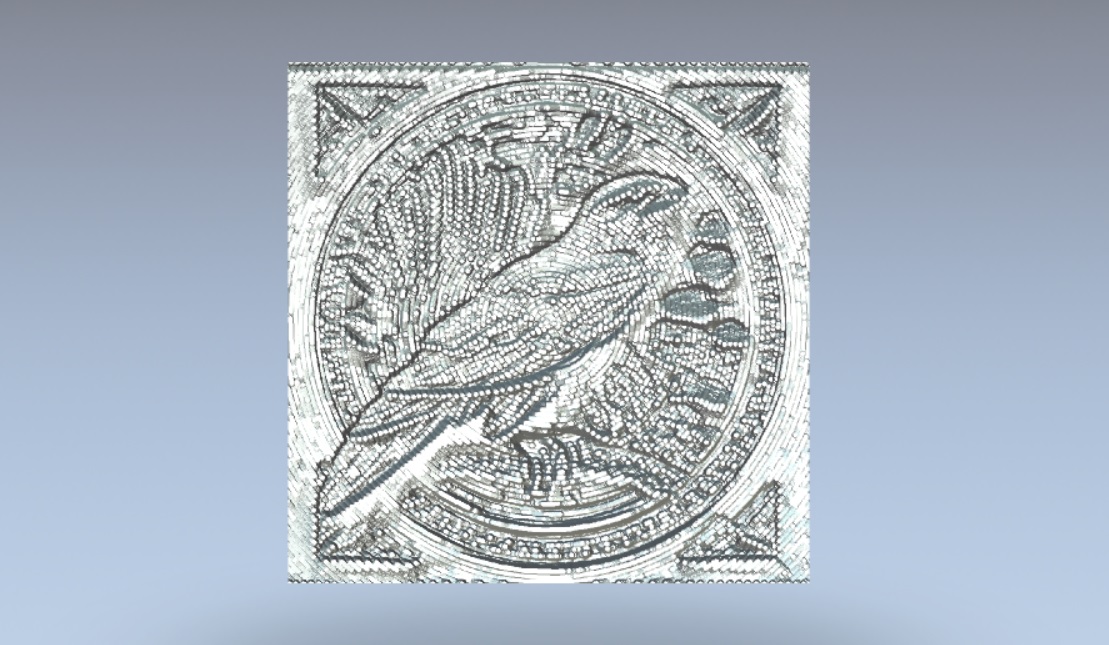
I'm having a problem with the relief function badly creating paths for me. Two examples. I have no idea what's going on. So far we have used artcam 2011 and we have the same problem in carveco
Comments
You might check your tolerance
Hi Mik “Miqlu”,
Your reported machining results appear to be a result of your choice of tool. The Conical Flat tools you've chosen when creating your Machine Relief toolpaths are unable reach the depth you've specified because of their angles and them being flat-bottomed.
Please explain exactly why you have chosen Conical Flat tools when creating a Machine Relief toolpath. The result of doing so is no different to choosing an End Mill tool. We recommend that a Ball Nose tool is used when creating a Machine Relief toolpath to achieve an acceptable finish.
With that being said, you would need to use a Ball Nose tool which is incredibly small to machine your design. If you wanted to persist with using a Conical Flat tool when calculating your toolpaths, it would need to have a very acute angle and a sufficient cutting length.
Furthermore, you've chosen an Offset tool clearance strategy when calculating your Machine Relief toolpaths in Carveco Maker whereas you seem to have chosen a 3D Offset Spiral tool clearance strategy when calculating your Machine Relief toolpaths in ArtCAM JewelSmith 2011. These are two very different tool clearance strategies which deliver contrasting machining results.
You would need to purchase either a subscription or perpetual license for our flagship Carveco product to obtain the same level of functionality as you've previously been using in ArtCAM JewelSmith 2011.
Thanks for your time and consideration.
Please sign in to leave a comment.