Answered
logo

Hey everyone i am trying to add a logo to carveco.
I am able to get it there and view it but its very blurry and pulling my hair trying to figure out why.
Here is the logo.
Can anybody explain this to me ??
Thanks for any help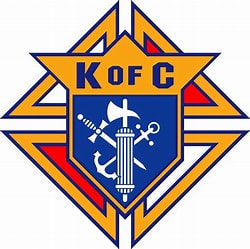
Comments
Hi Mike Redd,
Please confirm the format of the logo file that you want to import into Carveco Maker. Based on the information you've provided, the resolution of the image is low, meaning that it has fewer pixels. This would explain the results you've seen.
You might find the following demonstration video useful:
Thanks for your time and consideration.
Follow these steps. I've been doing it this way for over 20 years and it works. I draw my own vectors (lines), I model each thing that needs to be placed in, like you will need to model the anchor the axe and the sword.
First, new model.
Next, import the file (the photo); size it to fit your model size, give it a height (I always go for an inch).
After you paste the file in, draw your vectors, do your modeling each on a new layer.
Here are three photos. I grabbed this off an email, so the image doesn't matter to me if its great or not. As long as you import and do your work, not relying on the software to do all the work.
Mike,
Is this what you are after?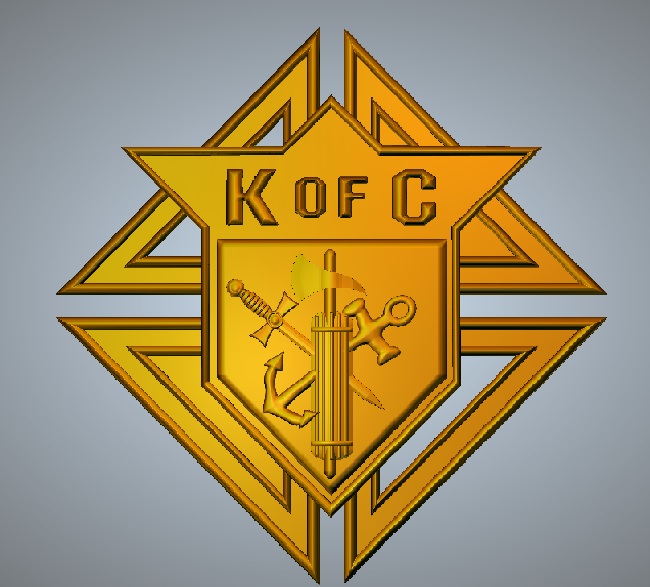
Thank you all.
I have successfully got the image into Carveco Maker.
I am using bitmap to vector, but this is the first time I am trying to create a toolpath for an image like this.
The area around the sword and axe are very difficult.
I am going to continue to work on it, are there any videos that help with a image like this?
Thank you for your help
Mike,
How large is your model? This will determine what bits you'll need to use.
mike
it is 8x8'
I plan on working on it tomorrow
Cool, Good luck.
Mike
Please sign in to leave a comment.