Answered
Copy and nodes

Hi
When I use copy and paste, the copy has many more nodes than my original.
I am working on a logo and went thru all the letters to minimize the amount of nodes to get smooth curves, if I copy and paste the amount of nodes is increased quite a bit. Is there a filter or something I can set.
Thanks Bill
Comments
Hi William Grix,
Please confirm what version and build of Carveco you're currently working in by selecting the Help > About Carveco menu option in your Carveco software; this information is included in the displayed About box.
In addition, please confirm whether the original vectors (the ones which you are copying) in your model have either been imported or drawn.
So that we can investigate further, please use the free WeTransfer service to upload your Carveco Model file (.art) and then share the generated download link here when replying in this topic.
Thanks for your time and cooperation.
Thanks.
I figured my problem out: when I had offset my vectors that action increased the nodes on the vectors I had cleaned up. Is there a way to filter the offset vectors?
I'm using Carveco Version: 1.16 Build: 2020-06-16-1750-95e-752aa.
Thanks Bill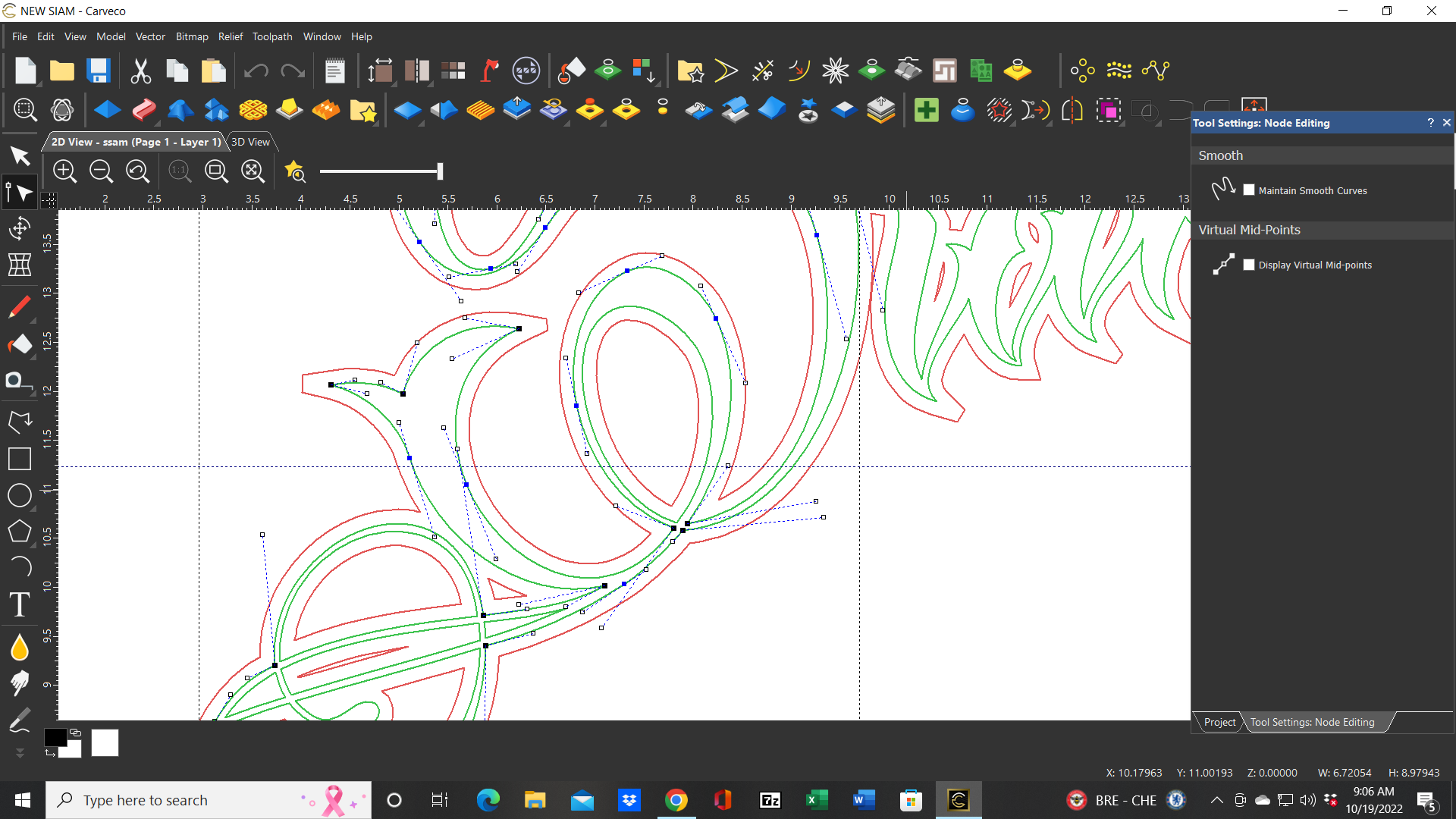
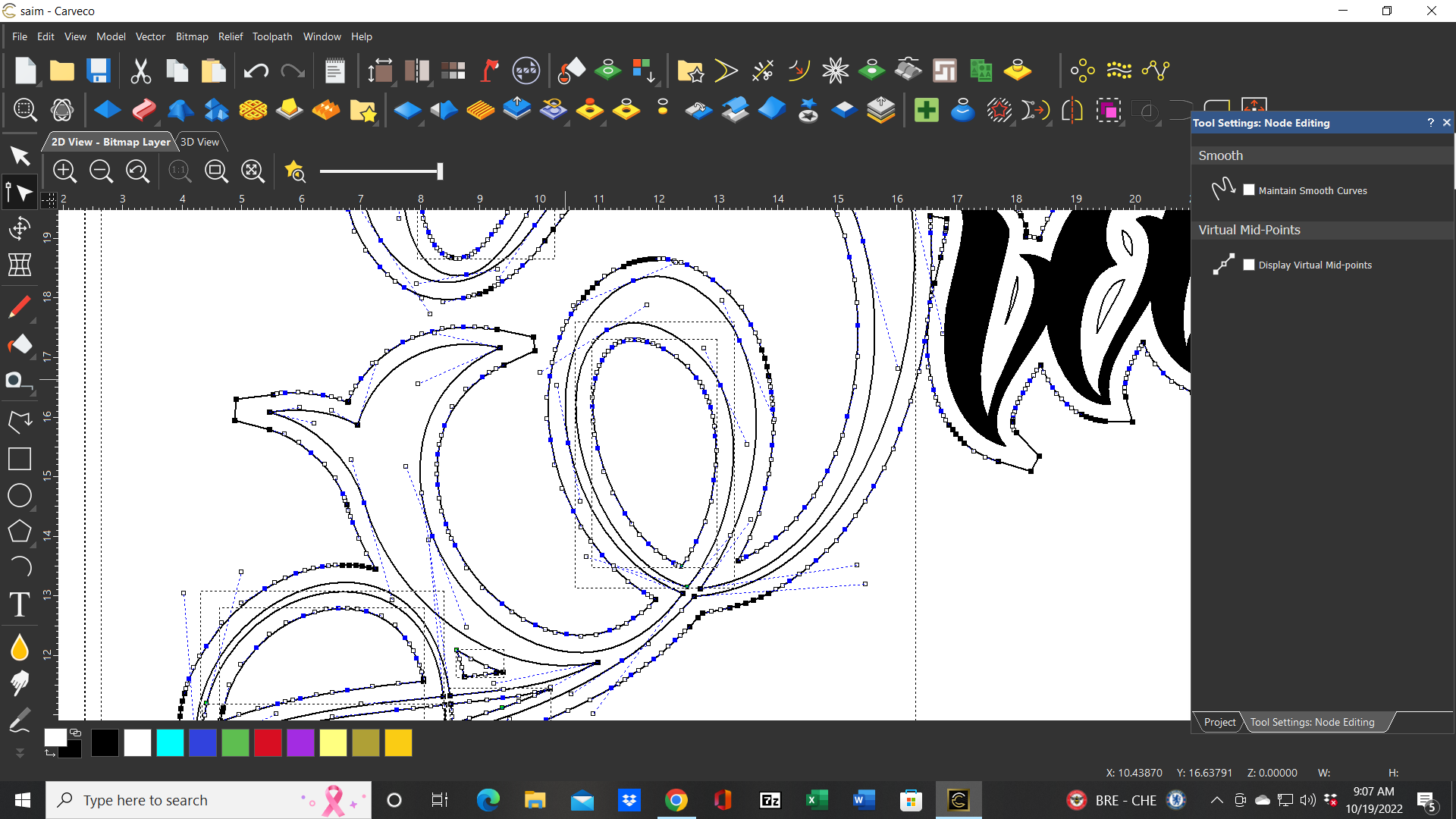
Hi William Grix,
Please try using the Fit Arcs to Vectors tool, displayed by selecting the Vector > Fit Arcs to Vectors menu option in your Carveco software, to reduce the number of spans and nodes within your vector artwork.
Thanks for your time and consideration.
Thanks
Will try that
Bill
Please sign in to leave a comment.