Answered
Wonky Text Issue

Been working on a sign for my Christmas Light Display I do every year, it's 914 x 609 mm. I created the new model for it and when I went to add my text most of the fonts I wanted to use are rotated 90 degrees. Not a vertical text but rotated 90. I checked my Transformation tab and it's at zero but when I go to 90 degrees to see if that would work nothing happens. I am including a screen shot of the issue I am having.
Thank you in advance, Steve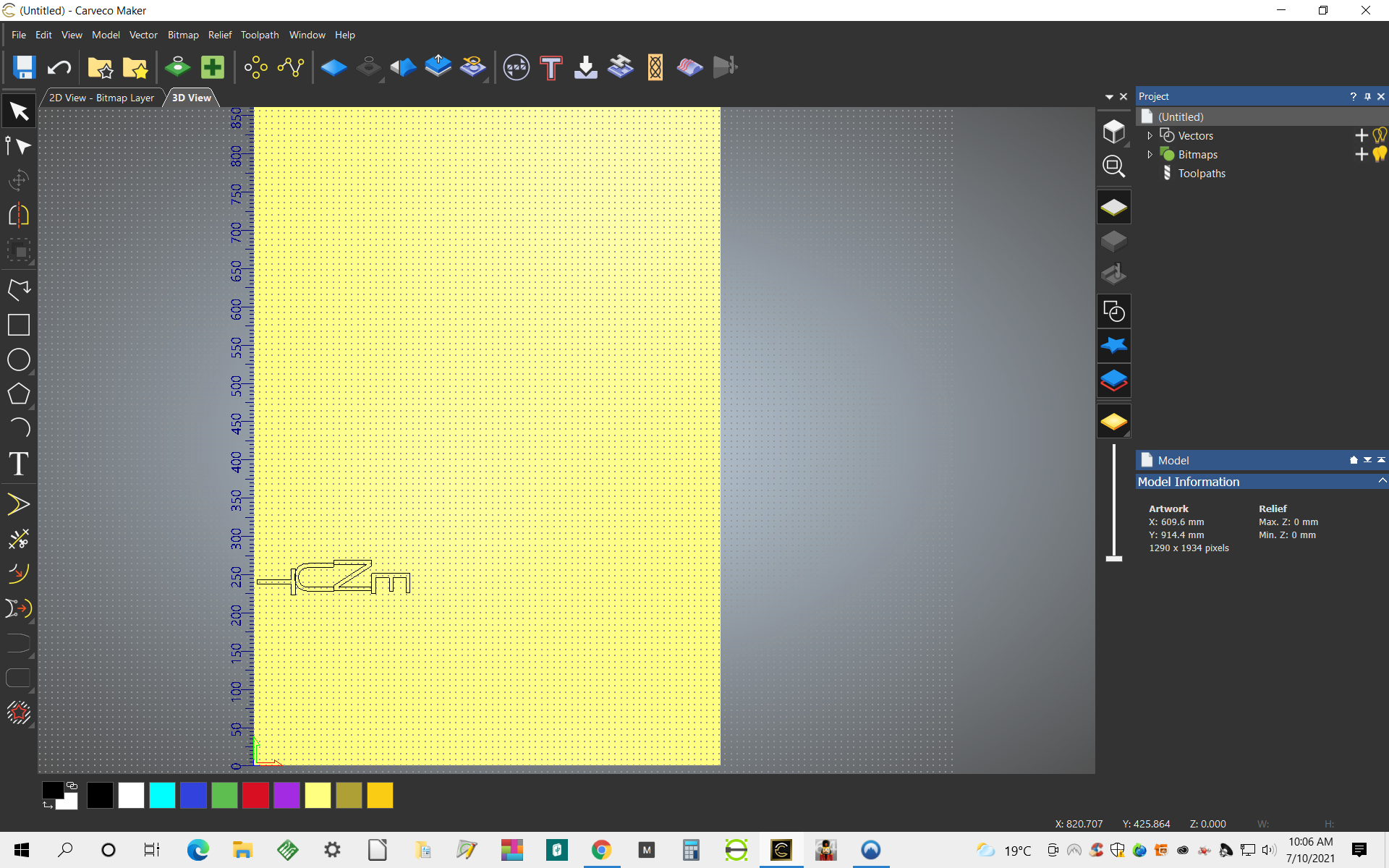
Comments
Steve,
That is the font itself that lays the letters that way, chose another font.
mike
Hi Steve Rowdon,
Your supplied screenshot does not show which font you've selected or what settings you've chosen on the Tool Settings: Text Tool panel. Therefore, so that we can assist you, please provide a new screenshot which includes this information.
Thanks for your time and consideration.
Hi everyone
Thank you for your comments and possible fixes but after I went back into the Carveco Maker and tried again chose my font and the Transition Tab showed "270" for some reason, I just did the latest upgrade to my software also. I put the Transition back to zero and everything worked out. I have never touched the Transition settings since I have used the software for the last two months. Some type of glitch was acting funny but its ok now and thanks again, next time if I need some help I will make sure I provide all the info so again Thank You
Steve
Hi Steve Rowdon,
Please confirm whether you're referring to the Tool Settings: Transform panel, as there is no "Transition" tab in Carveco software.
Thanks for your time and consideration.
Please sign in to leave a comment.