Intarsia

Hi fellow CNCers, New here, just got a subscription for Carveco maker, not sure if I'm in the right place for this.Ok I'm actually in the middle of building my work shop, should be done soon I hope And want to start doing some computer work before I finish the shop. As the title says I do intarsia, (3d inlay) and other cnc art, But right now I just want to work on the intarsia for now. In the past I would create a 3d model and take a print screen on the model then scale it to the size I want and make a pattern, then cut it out on a scroll saw, glue it on to a backing board the machine it as a whole, Well I don't want to do it like that anymore. What I want to do is bring the model into Carveco maker and do the pattern in there then separate all the pieces and cut them out on the cnc router, sort of like stain glass but in wood, So what would be the right way of going about this. Can I paint the model in maker then create vectors around each part. to make like a puzzle type of thing?
I'm wondering if I use one of the clip art that comes with Maker and create a pattern if someone could try it out to see if I'm doing it right? I'll do a simple piece.
Before I use to use cut3d to carve the whole piece.
These are few of what I did on the cnc router,
Thanks for any help.
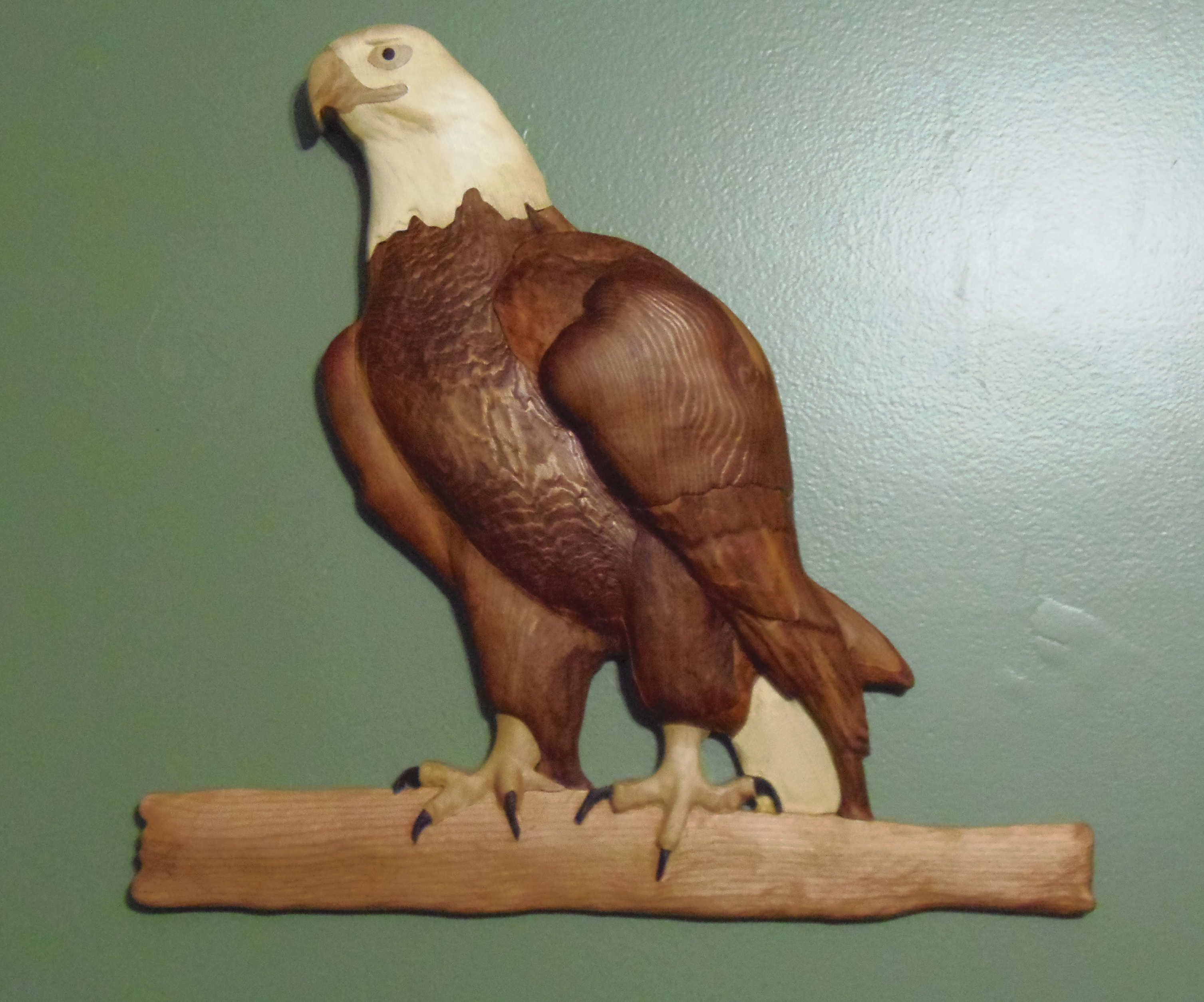
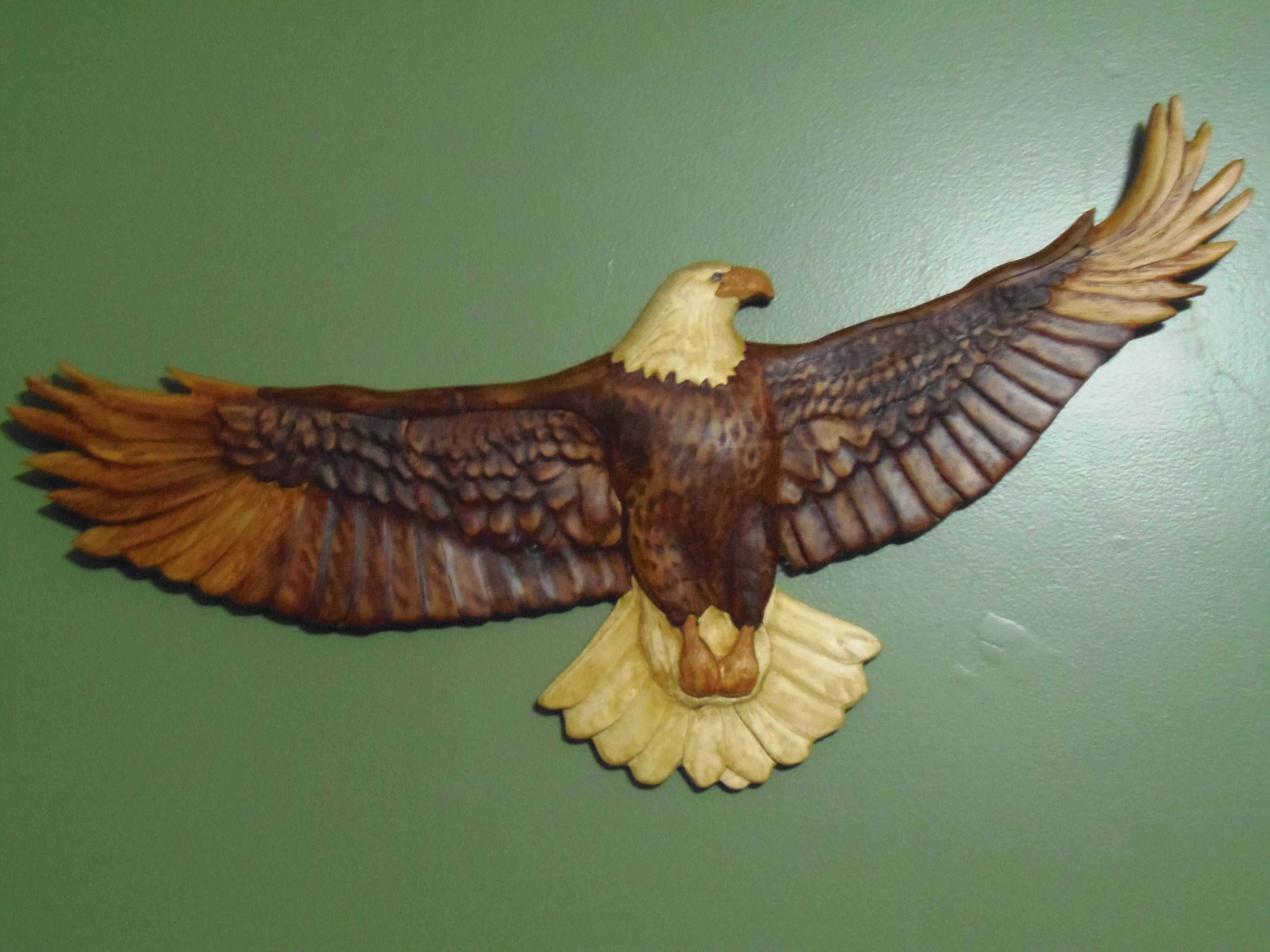
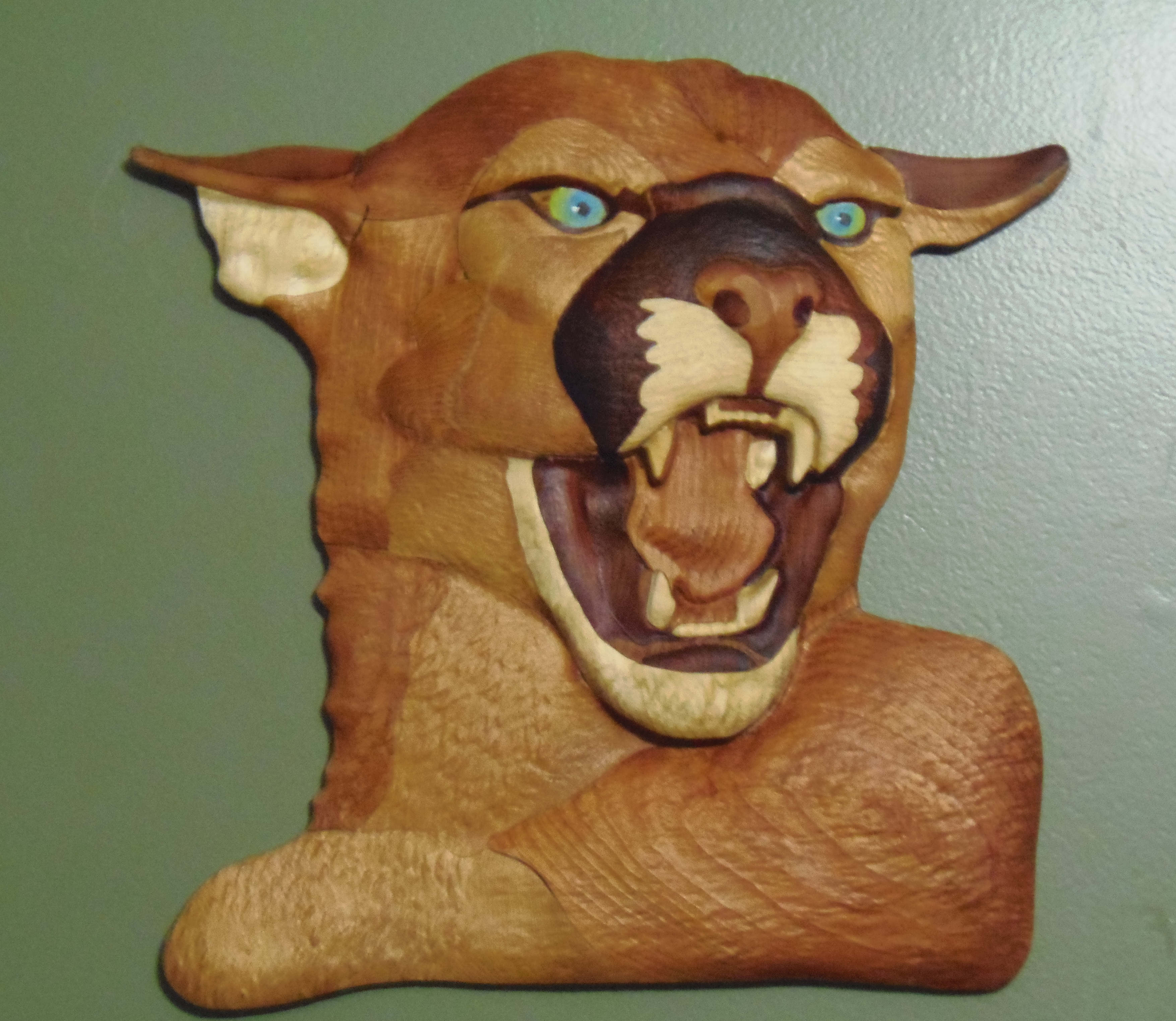
Comments
Very very nice work.Congrads.
I do not have maker so I cannot provide guidance specific to that version of the software but you should, I would think, have no problem doing what you are describing (in other words what you have described will, I expect, work). The only thing I think you will have to work out is the edges. Obviously the blade of the scroll saw is going to be thinner than the tool on the router so corners and angles (inside specifically) may be tough to get right. I would suggest that you try it. Don't wait for someone to try it out for you as everyone has their own work to do and time, as they say, is money. Again great work and welcome to the community.
Hi Barry,
Barry Goodman wrote: "I do not have maker so I cannot provide guidance specific to that version of the software"
You can run your Carveco software as Carveco Maker or Carveco Maker+. To do so:
Hi Graham,
Graham Prinn wrote: "What I want to do is bring the model into Carveco maker and do the pattern in there then separate all the pieces and cut them out on the cnc router, sort of like stain glass but in wood, So what would be the right way of going about this. Can I paint the model in maker then create vectors around each part. to make like a puzzle type of thing?"
What is the file format of your model? Please check and confirm. If you'd like to share a file with the community, upload it to WeTransfer and share the download link here: https://wetransfer.com/
You can import a colour bitmap image into Carveco Maker or colour-fill vectors drawn in or imported into Carveco Maker. You can also simulate toolpaths and project colour onto the simulation. I recommend that you view the demonstration videos on our YouTube channel to get familiar with the product and its capabilities:
https://www.youtube.com/watch?v=4f-NpoQmnCE&list=PLalFSVzdLCiZKsYkrcHJr1kUYnVgX5LPs
You might also want to complete our Carveco Fundamentals training course: https://carveco.com/support/training/
Please sign in to leave a comment.