Answered
New Model color of background is dark gold not yellow

My first time opening a new model project in Carveco Maker and the background is a dark gold not the standard yellow I see in the training videos:
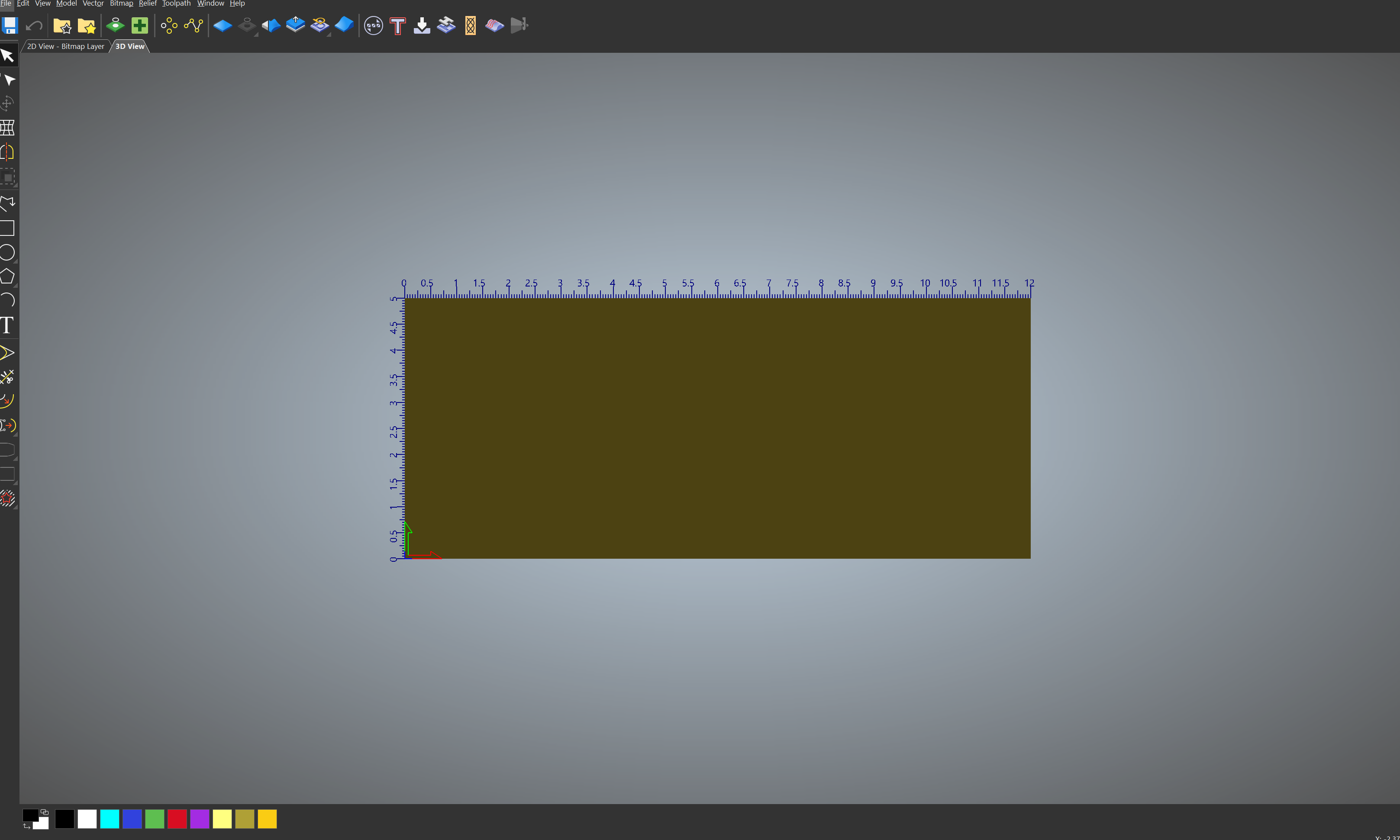
This dark color with the color of the vector makes it hard to work with. Any assistance in making this simple change of color would be greatly appreciated.
Thanks,
Shane
Comments
Hi Shane Kennington,
Please try completing the following steps in Carveco Maker and confirm your results:
Thanks again for your time and consideration.
Please sign in to leave a comment.