Answered
Random toolpath

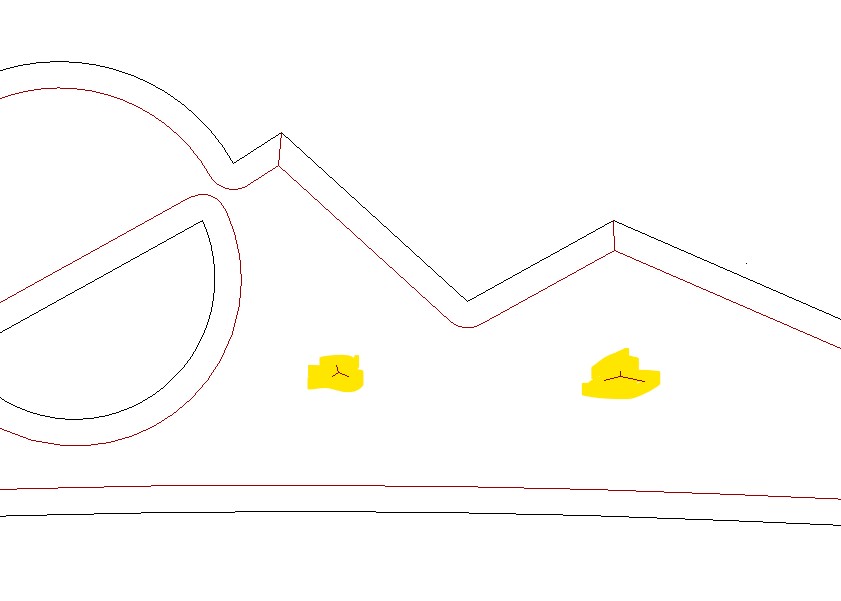
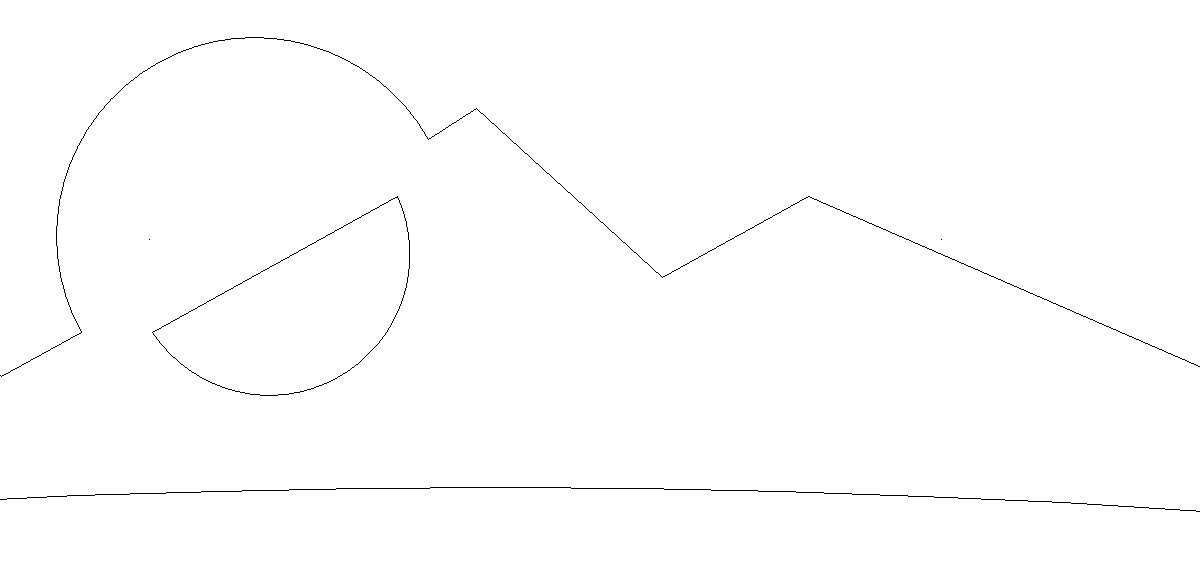
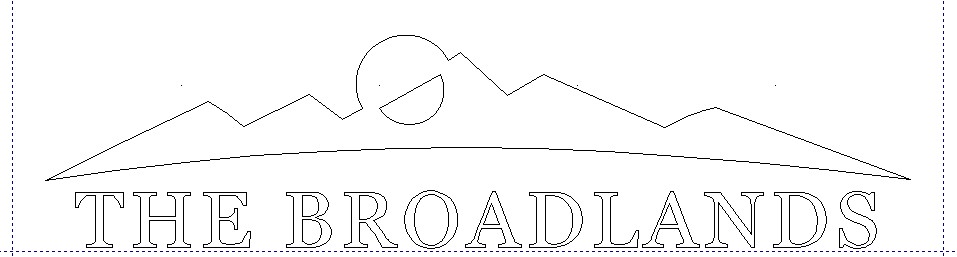
I am attempting a 2D V-Carve, the vectors drawing is what I am wanting but when I add a toolpath there is 2 random toolpaths/carvings that annoyingly add themselves to the party. Any advice on how to proceed without them would be greatly appreciated.
Mountains were drawn with Create Polyline.
60 D V-carve bit, set to a max .125" depth
No vectors present where random toolpath is, nothing to select.
Comments
Hi B Squared,
Please use the free WeTransfer service to upload the Carveco Model file (*.art) shown in your supplied set of screenshots, use its Get a link option to generate a download link, and then post that link when replying to this topic. We can then retrieve your Carveco Model file (*.art) and investigate the reason for the toolpath calculation result from Carveco Maker+ shown in your supplied set of screenshots.
Thanks in advance for your time and cooperation.
Thank you for the speedy reply. Here it is;
https://we.tl/t-Sp16R1gTbI
Hi B Squared,
Many thanks for sharing your table tent.art file, and you're welcome.
Marginally increasing the Stepover value used for the Amana 45771-K tool chosen in your V-Bit Carving toolpath named tt and then re-calculating that toolpath should resolve your reported issue.
Thanks for your time and consideration.
Thanks a 1,000,000 Carveco Supp! Worked like a charm.
Please sign in to leave a comment.