Answered
Exported G Code is too large in Universal G Code Sender

I created a simple project...Work space of 6"X6" w/ a simple 3.5" x 3.5" square w/ the text "hello" inside set to carve w/ a V-Bit. I saved the file for the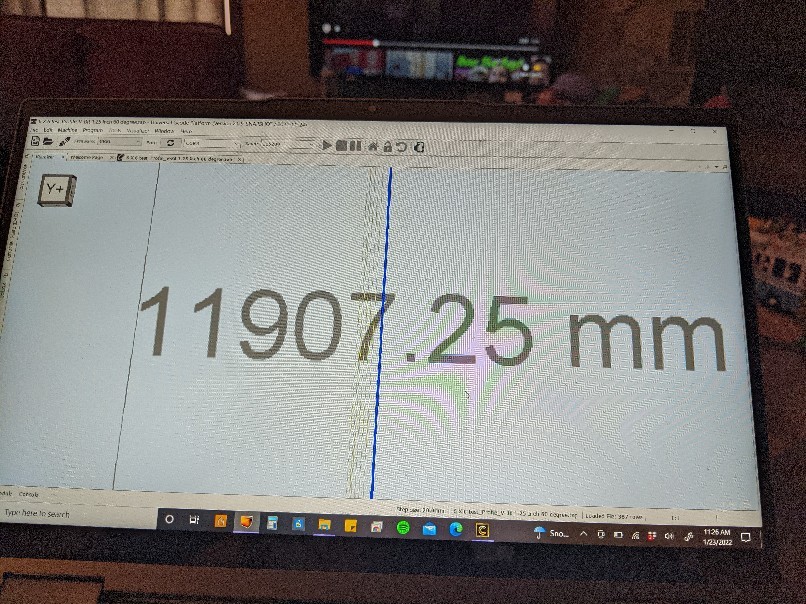
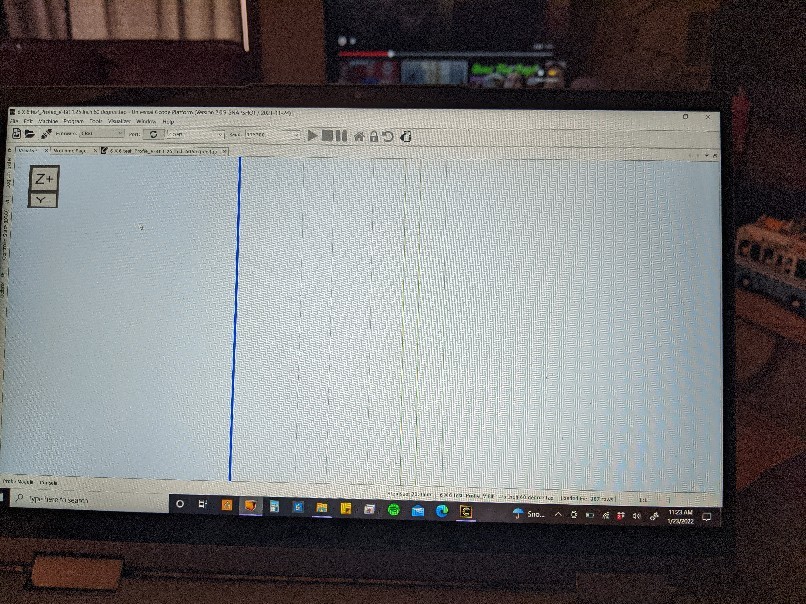
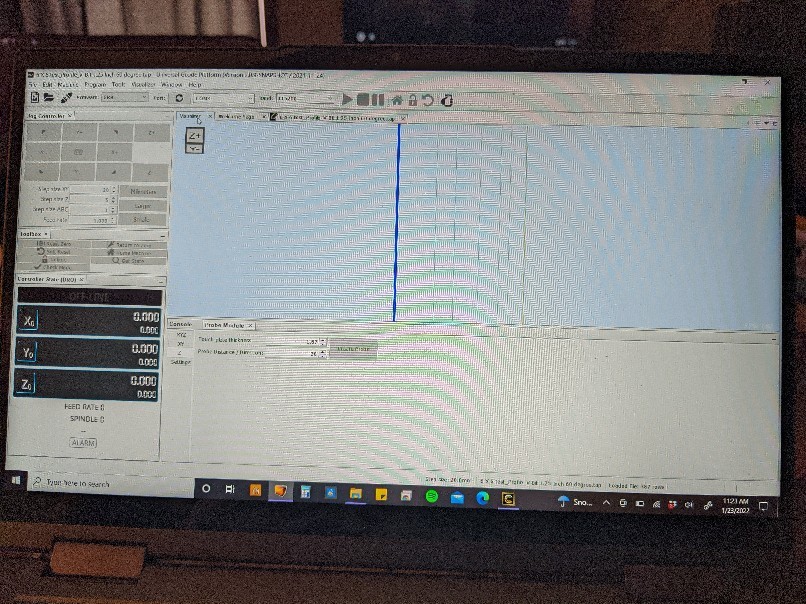
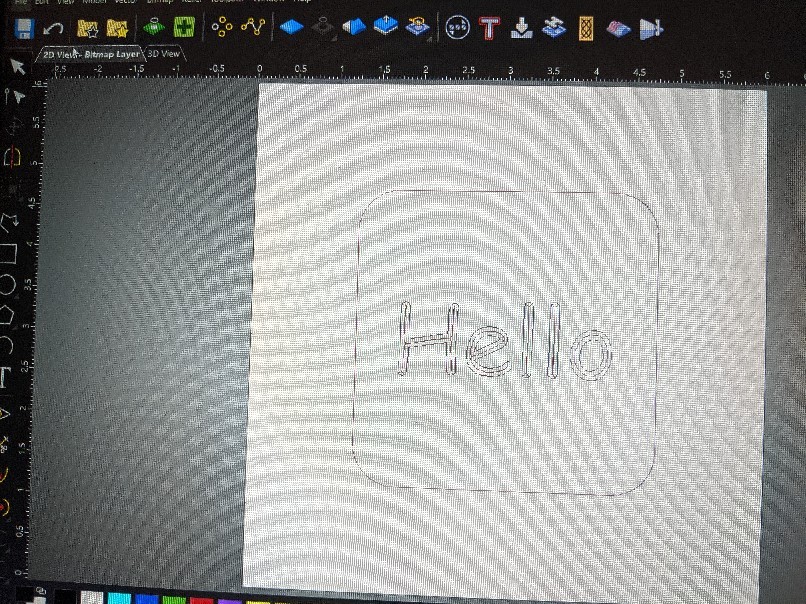 Sainsmart 3018 pro in the inch format.
When I send this over the Universal G Code Sender the View in the visualizer is exploded and VERY large. When I try to run the program the machine movements max out...it's like the machine is being told the project is 6 feet x 6 feet not 6 inches x 6 inches. I have my z feed set to raise 0.25" from the zero spot but when I try to run this the probe raises to the max height and jams.
Comments
Hi Sam Doverspike,
If you're working in imperial units within Carveco Maker and using Universal Gcode Sender as the controller alongside your SainSmart Genmitsu 3018-PROVer CNC Router, select the UGS GRBL (inch) (*.gcode) post processor option from the Save Toolpaths dialog's Machine file format list when saving your calculated toolpaths from Carveco Maker.
You should select the Sainsmart 3018 PRO (inch) (*.tap) post processor option when using Candle as your machine controller.
Rather than taking photographs of your computer's monitor, use the Snip & Sketch tool in Windows to capture screenshots and save them as image files: https://www.windowscentral.com/how-use-snip-sketch-take-screenshots-windows-10-october-2018-update.
Thanks for your time and consideration.
Please sign in to leave a comment.