Wacom Tablet

I have a Wacom Intuos Pro Tablet that is very handy for sculpting models but it would be so much more convenient to be able to map the buttons and the touch ring to the sculpting tools and to adjust the tool radius.
I have been able to find a work around for selecting tools by making a button do Esc, Alt and then the letters that gets to the tool. It is quirky but gets the job done.
Has anyone found a way for adjusting the tool radius without moving back and forth to the slider?
Comments
Witaj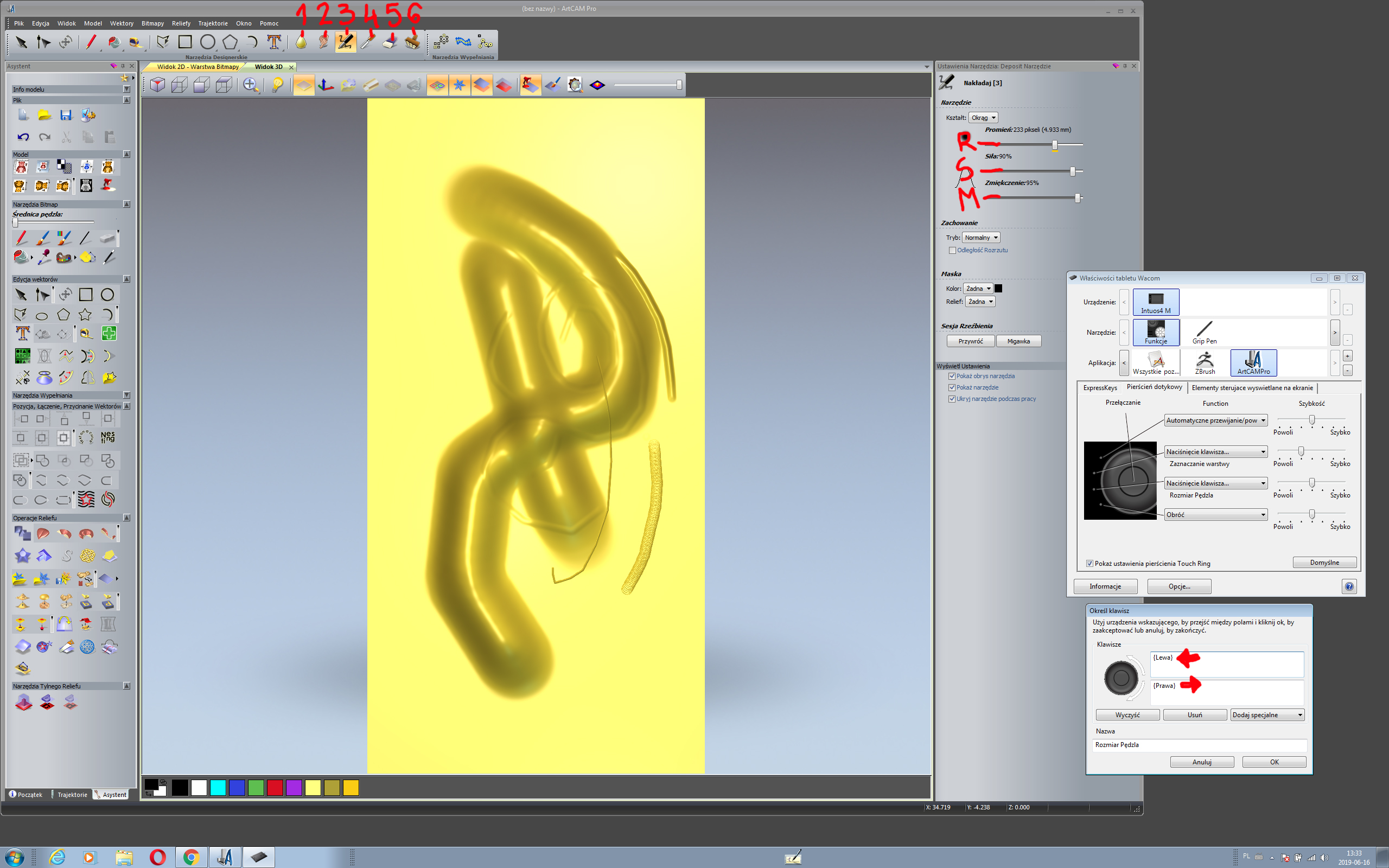
W mojej starej wersji 2012 klucze te działają
Is there any chance you can post this with english words? I am unable to understand what exactly you have set up. thanks!
The shortcut for mouse users is Shift + Rotating middle mouse button. I don't know how it translate to tablet users, though. I highly recommend you to check out the ArtCAM knowledge Centre for a vast amount of tips, tricks and articles about the software tools and functions.
Thank you Elyasaf! That was VERY helpful. I wish I had known that even before I had the tablet! :)
Please sign in to leave a comment.