Answered
Issue with Inlay feathering

When I'm doing inlays in Carveco Maker and the text goes to a point, it feathers out and causes issues with my plug.
What is causing this and is there a way to set the toolpath not to do this?
I installed VCarve Pro trial and ran the same vector and tools and didn't have this issue.
Flat Depth 0.25
1/32 Tapered End Mill 6 deg side angle
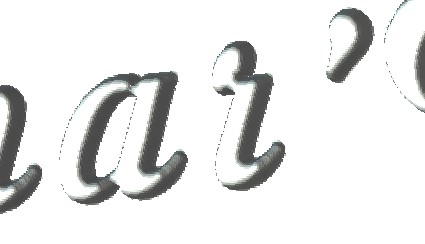
Including a photo of what I'm referring to. You can see it in the tail of the lower case letter a: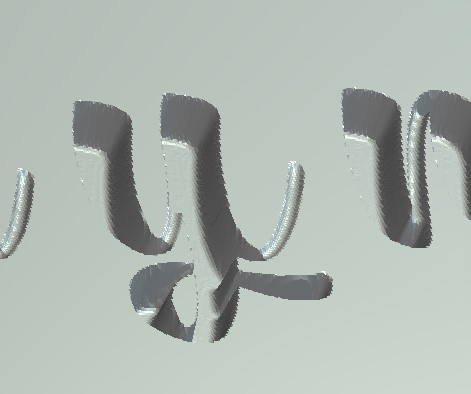
Comments
Hi Reuben Gunderson
Your post has been escalated to a Support Request by Carveco Support, and the associated ticket number is #17571. Please reply in that Support Request with the information requested from you.
Thanks for your time and cooperation.
Hi Reuben
I'm Interested in what your solution was for this. These inlays with tapered bits are widely discussed on the web with other software but not so much with Carveco.
Thanks Bill
Bill I never got an answer just was escalated.
I have adjusted my drawings to help but haven’t heard anything from support
Hi Reuben Gunderson,
Your statement is incorrect. An email in relation to Support Request #17571 was sent to your registered email address on January 30th 2024. To date, you have not replied to the email in Support Request #17571.
To review Support Request #17571 from your Help Centre account, please follow the guidance provided in this article: How can I view my support requests?
Thanks again for your time and cooperation.
sorry I was incorrect I didn't see the response on the help center. I will respond on there and let you know what we find out Bill.
Thanks for the response admin!
Please sign in to leave a comment.