Open and broken vectors when DXF imported

Hello everyone 👋🏻
I'm facing some issues when I import a DXF file into Carveco. Does anyone know why or if any advice?
For example, I have this layer THE MORINS and all vectors are closed polylines (checked and confirmed):
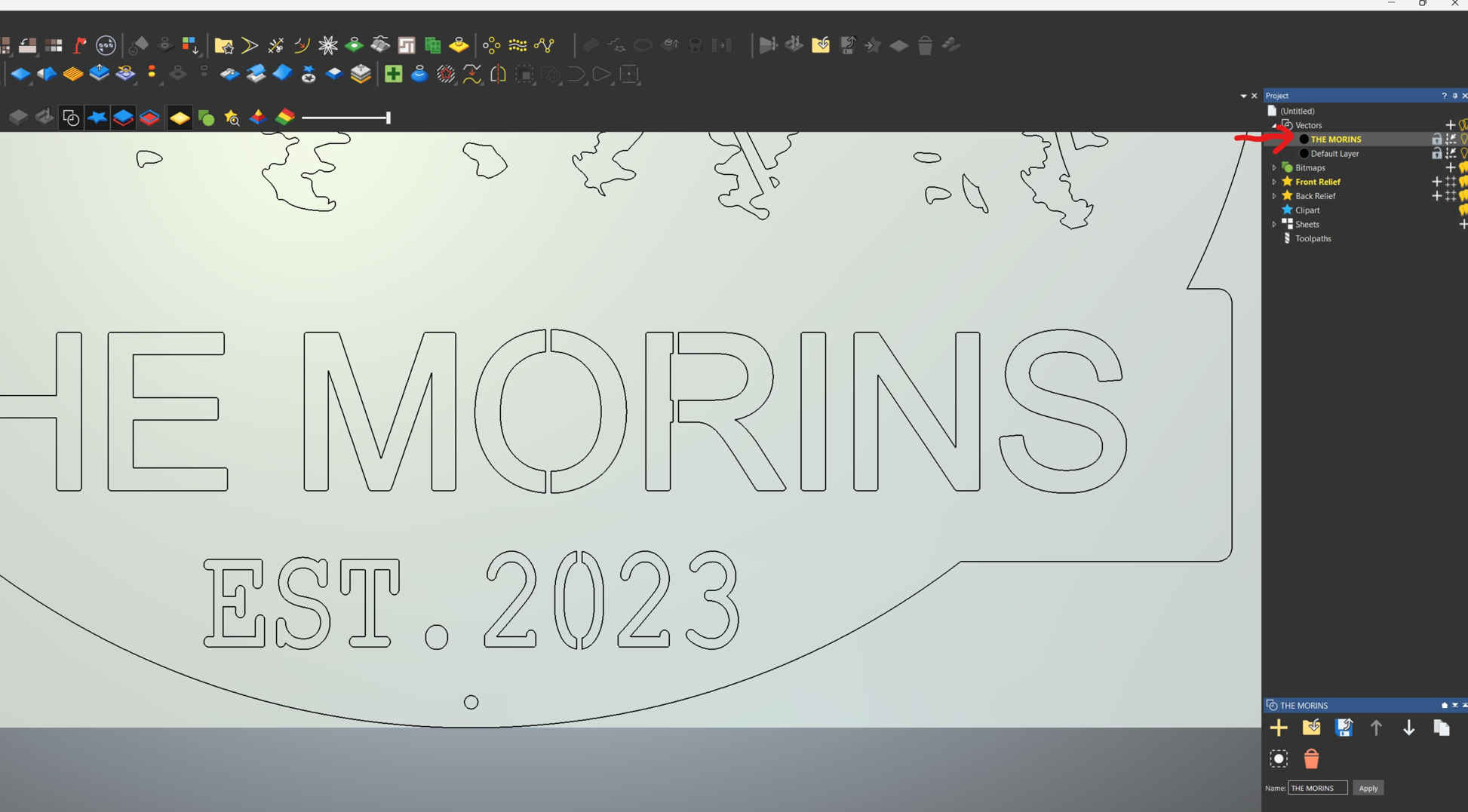
Then I export the layer to DXF:

I import it back to the model. Automatically rejoin vectors is tested as well with various Tolerance values but it didn't make any difference, the result is the same:
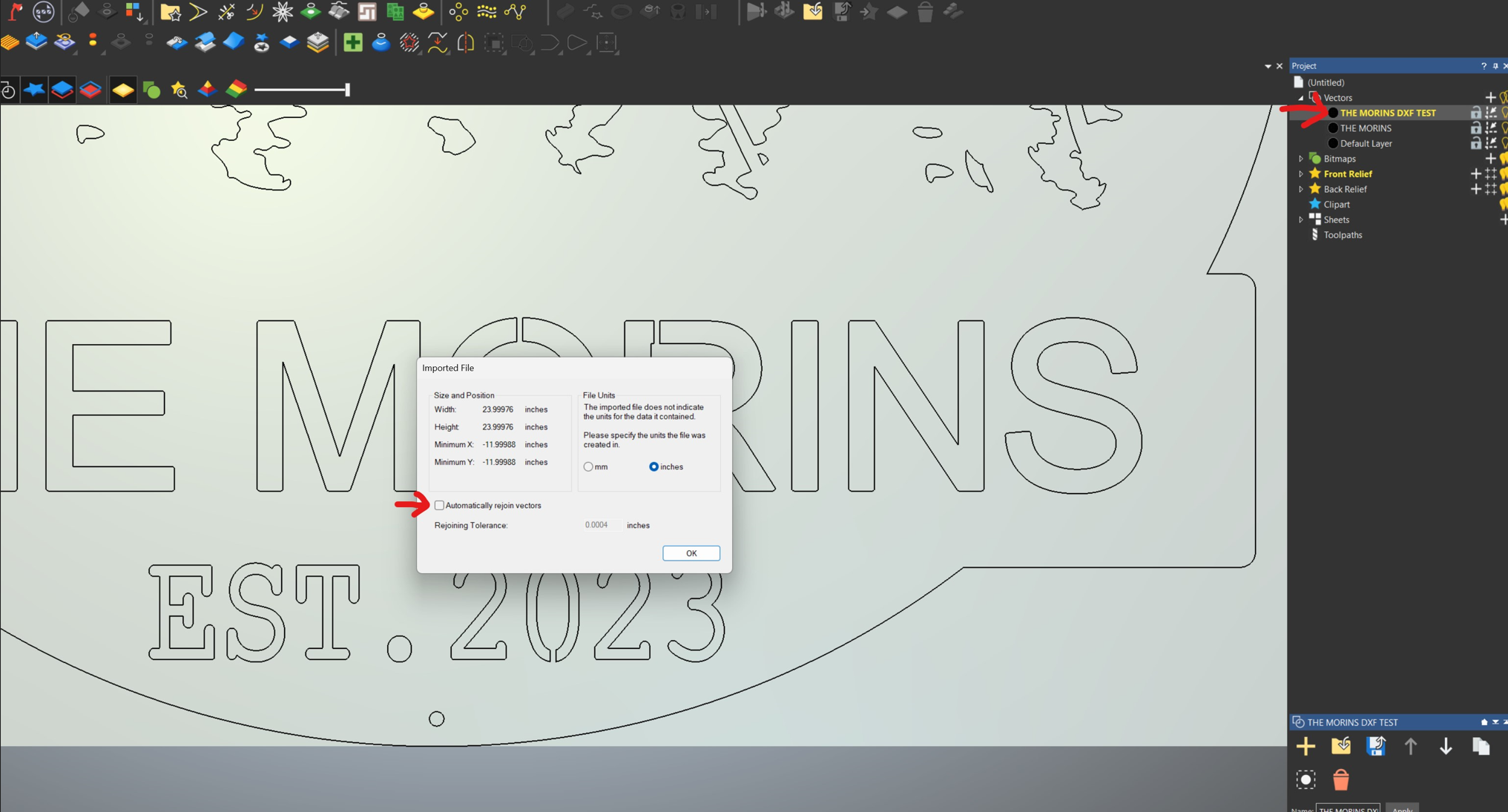
Finally, when I use the Vector Doctor I get many open vectors, even broken (parts missing):

Any opinion, advice or help will be appreciated! Thank you.
Best,
Elina.
Comments
Please sign in to leave a comment.